September 30,2026
Remote Workers, Company Laptops: Are Your Devices Secure and Backed Up?
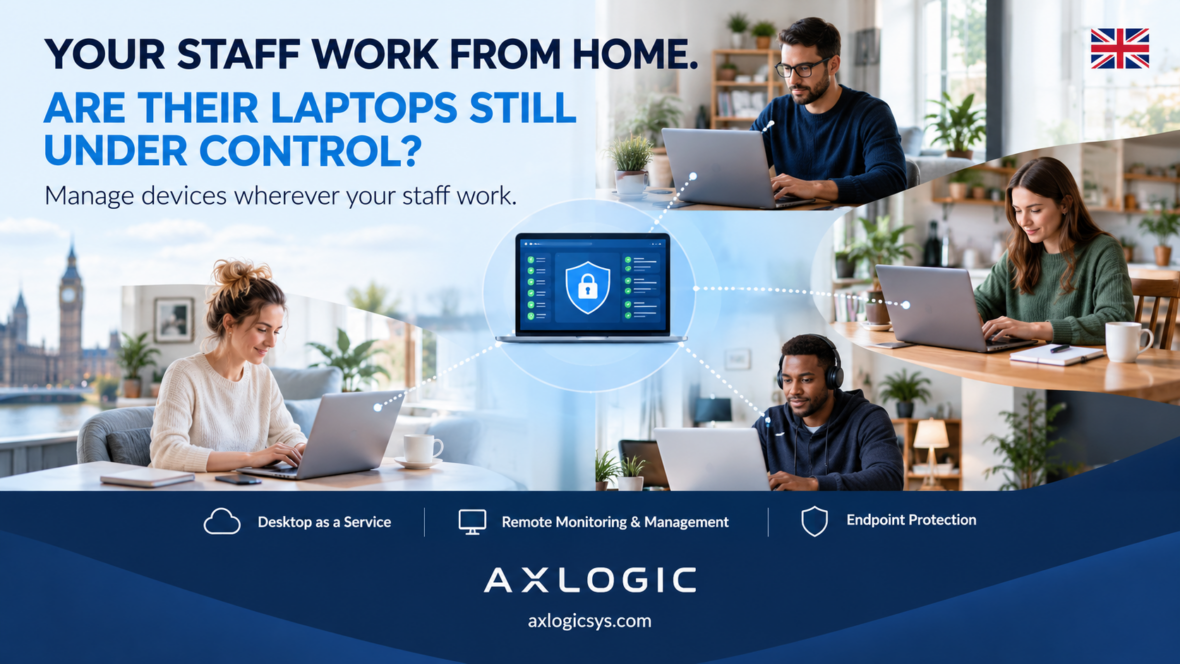
Remote and hybrid working gives employees flexibility, but it also creates a challenge for businesses: how do you know that company laptops remain secure, updated and backed up when employees are working from home?
When devices are outside the office, businesses have less physical visibility over them. A laptop may be connected to a home network, used from different locations, or left without the latest updates or security controls.
That doesn’t mean remote working has to be a security risk. Businesses can put the right controls in place to maintain visibility and protect company devices and data.
What should businesses check?
1. Are company laptops being monitored?
Businesses need visibility over their company devices, including their security status, software and system health. Without centralised management, problems can go unnoticed until they become more serious.
2. Are security updates being installed?
Operating systems and applications need regular updates. Remote devices should be monitored so that important updates and security patches aren’t continually missed.
3. Is business data being backed up?
A laptop can be lost, damaged, stolen or affected by malware. If important files exist only on the device, recovering them can be difficult. Regular, reliable backups can help businesses recover data when something goes wrong.
4. What happens when a device develops a problem?
Remote employees may not have an IT team physically nearby. Businesses therefore need a way to identify problems and provide support without requiring every device to be brought back to the office.
Remote working needs remote IT visibility
The key issue isn’t simply whether employees work from home. It’s whether the business has appropriate visibility and controls over the devices and data they use.
Centralised device management, security monitoring, patch management and reliable backup processes can help businesses maintain those controls across remote and hybrid teams.
Keep your remote workforce protected
At AxLogic, we help businesses manage and support their IT environments, including remote devices, security and data protection.
How we can help: Desktop-as-a-Service (DaaS) · Remote Monitoring and Management (RMM)
For businesses that need greater visibility and control over remote laptops, Axionac’s Remote Monitoring and Management (RMM) capabilities can help monitor devices, identify issues and support proactive IT management.
If your employees work remotely, it’s worth asking:
Do you know which laptops are secure, which need attention, and whether your business data can be recovered if something goes wrong?
Find out how AxLogic can help your business manage its IT securely and reliably.
🌐 Visit: axlogicsys.com